
What Pro is
Pro is a one-time in-app purchase, not a subscription. Buying it once unlocks the Pro features on iPhone, iPad and Mac signed in with the same Apple ID. Pro unlocks the AUv3 plug-in, AUv3 Hosting, FX Loop, Tone Edit, Tone Match, Wet Duck, Global EQ, the multi-track looper (tracks 2–4), Backing Tracks, setlists and Device Sync. Effects, routing, presets and scenes, MIDI, the metronome, the tuner, looper track 1, the wet filters and iCloud sync of each device on its own work without Pro.
Recognize locked features
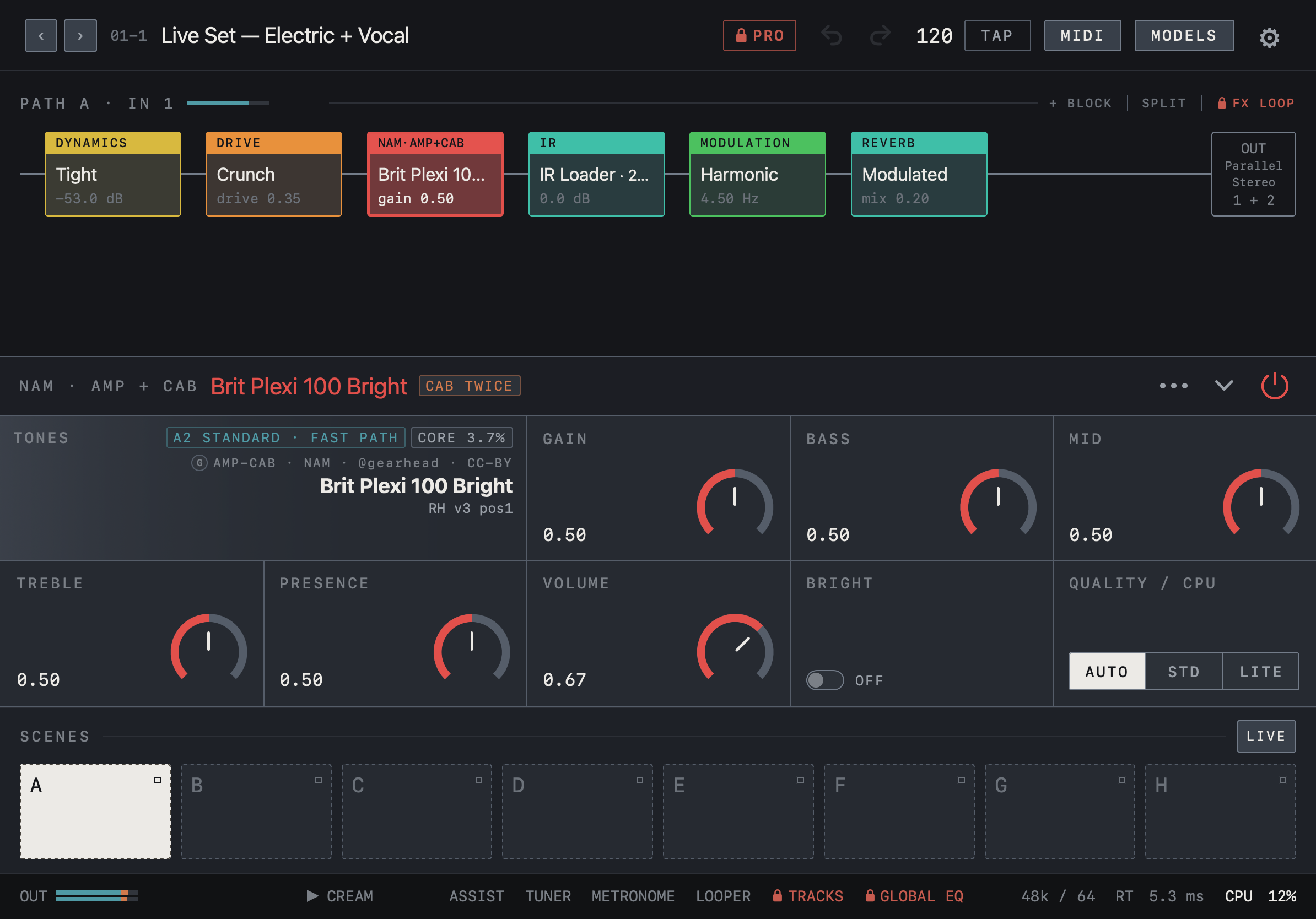
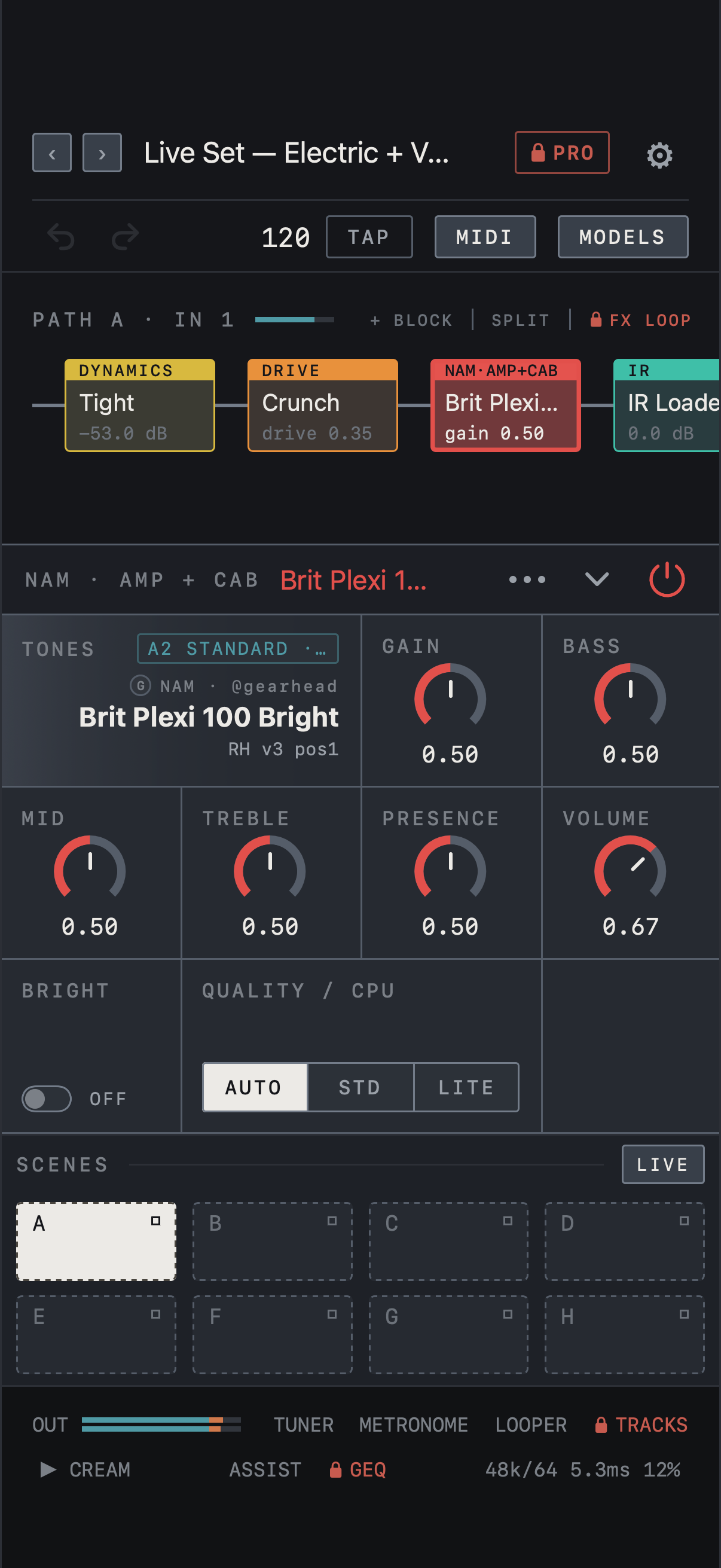
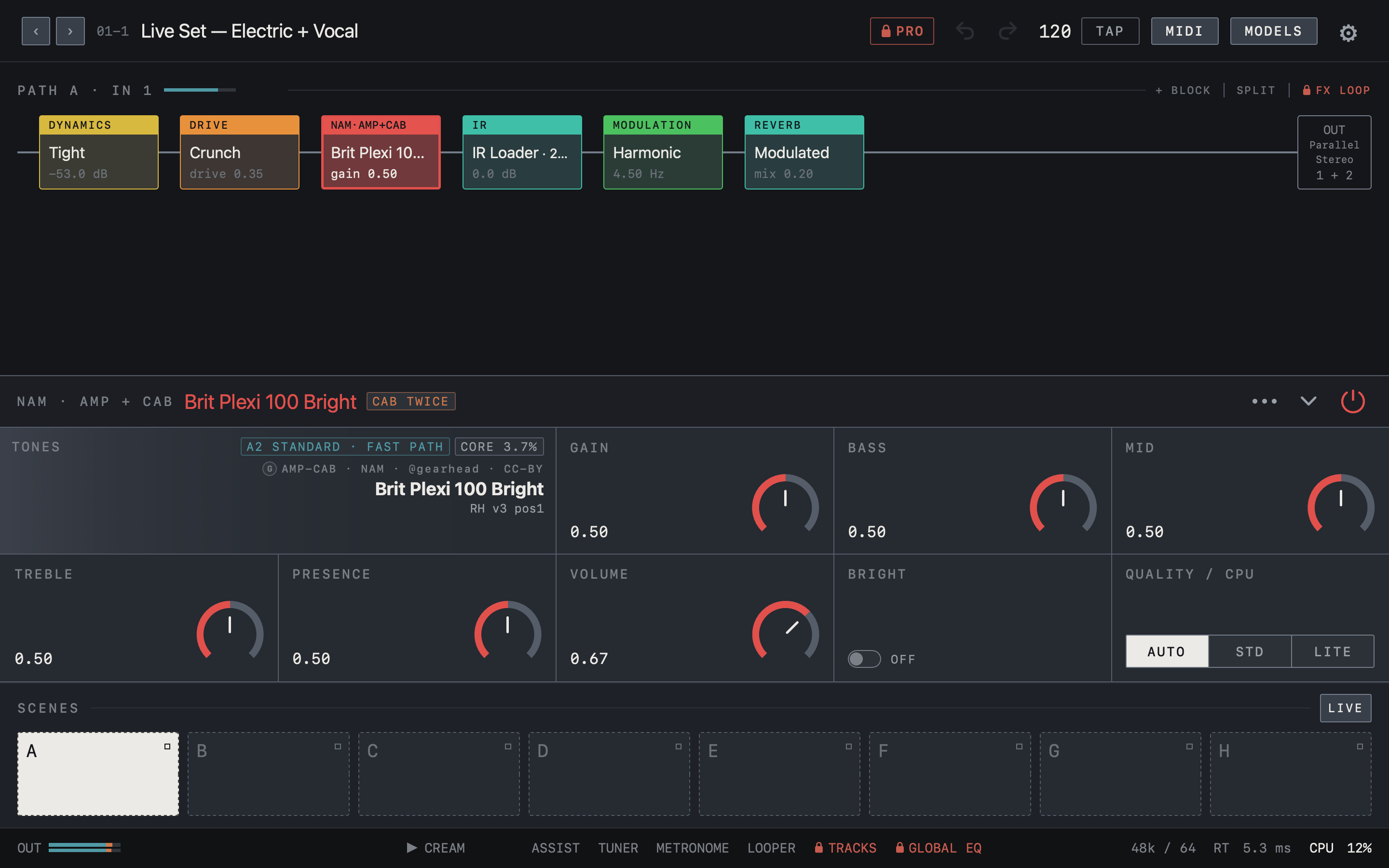
Locked features show a red lock and PRO. When anything is locked, a lock PRO button appears before undo in the top bar, and locks also appear on FX LOOP in the chain header and on TRACKS and GLOBAL EQ in the bottom bar. Tapping a locked feature opens the Pro window at that feature’s page.
Note Being locked does not delete stored values or recordings.
A locked AUv3 plug-in passes audio through unprocessed; the purchase is made in the NAM FX app.
Find it on screen
- A red lock PRO button sits before undo in the top bar.
- FX LOOP in the chain header and TRACKS and GLOBAL EQ in the bottom bar carry a lock and are shown in red.
- The rest of the editor works as usual.
Find it on screen
- A red lock PRO button sits to the left of the gear in the top bar.
- FX LOOP in the chain header and TRACKS and GEQ in the bottom bar carry a lock and are shown in red.
- The rest of the editor works as usual.
Find it on screen
- A red lock PRO button sits before undo in the top bar.
- FX LOOP in the chain header and TRACKS and GLOBAL EQ in the bottom bar carry a lock and are shown in red.
- The rest of the editor works as usual.
Unlock and restore
- Tap the lock PRO in the top bar, or any locked feature, to open the Pro window.
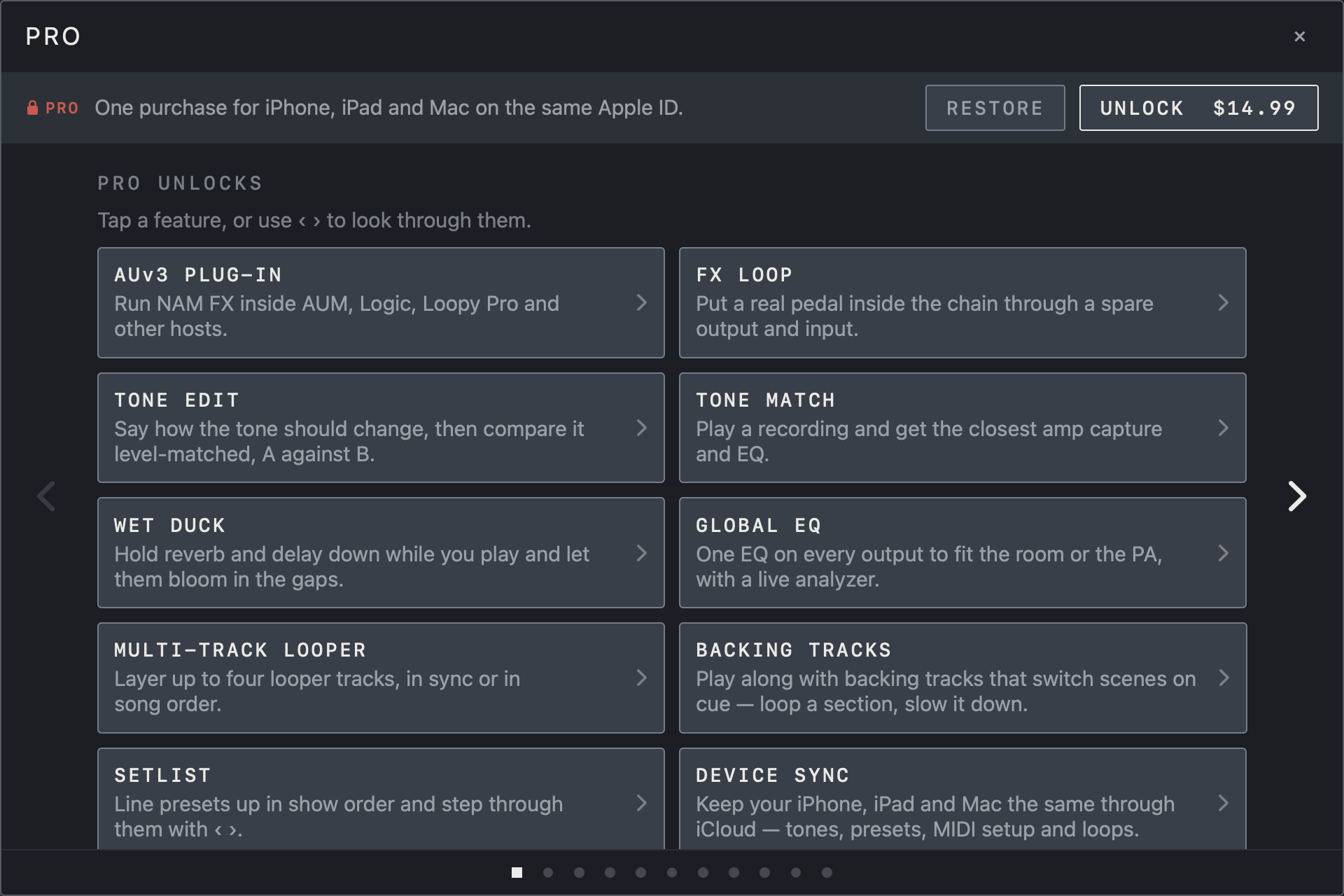
- Tap a feature in the list on the first page, or use ‹ › at the sides, to read what each feature does and see an example screen.
- Tap UNLOCK at the top and complete the App Store purchase. The button shows the price for your region.
- If you already bought it, or bought it on another device, tap RESTORE. Note You must be signed in with the same Apple ID.
Find it on screen
- The strip at the top of the Pro window keeps a one-line description with the RESTORE and UNLOCK buttons.
- Tap a feature in the PRO UNLOCKS list, or use ‹ › at the sides, to read about each feature.
- The dots at the bottom show which page you are on.
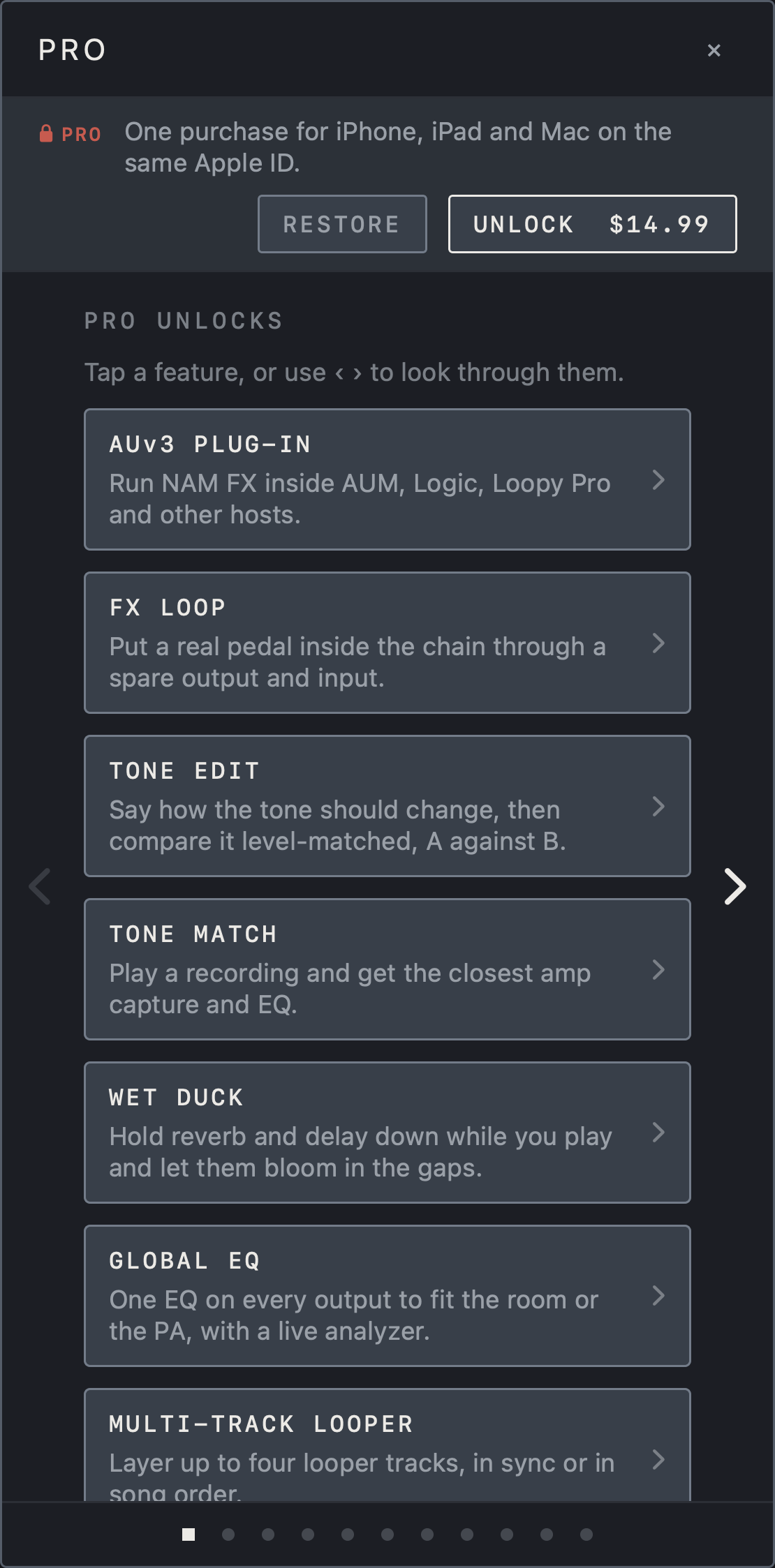
Find it on screen
- The strip at the top of the Pro window keeps a one-line description with the RESTORE and UNLOCK buttons.
- Tap a feature in the PRO UNLOCKS list, or use ‹ › at the sides, to read about each feature.
- The dots at the bottom show which page you are on.
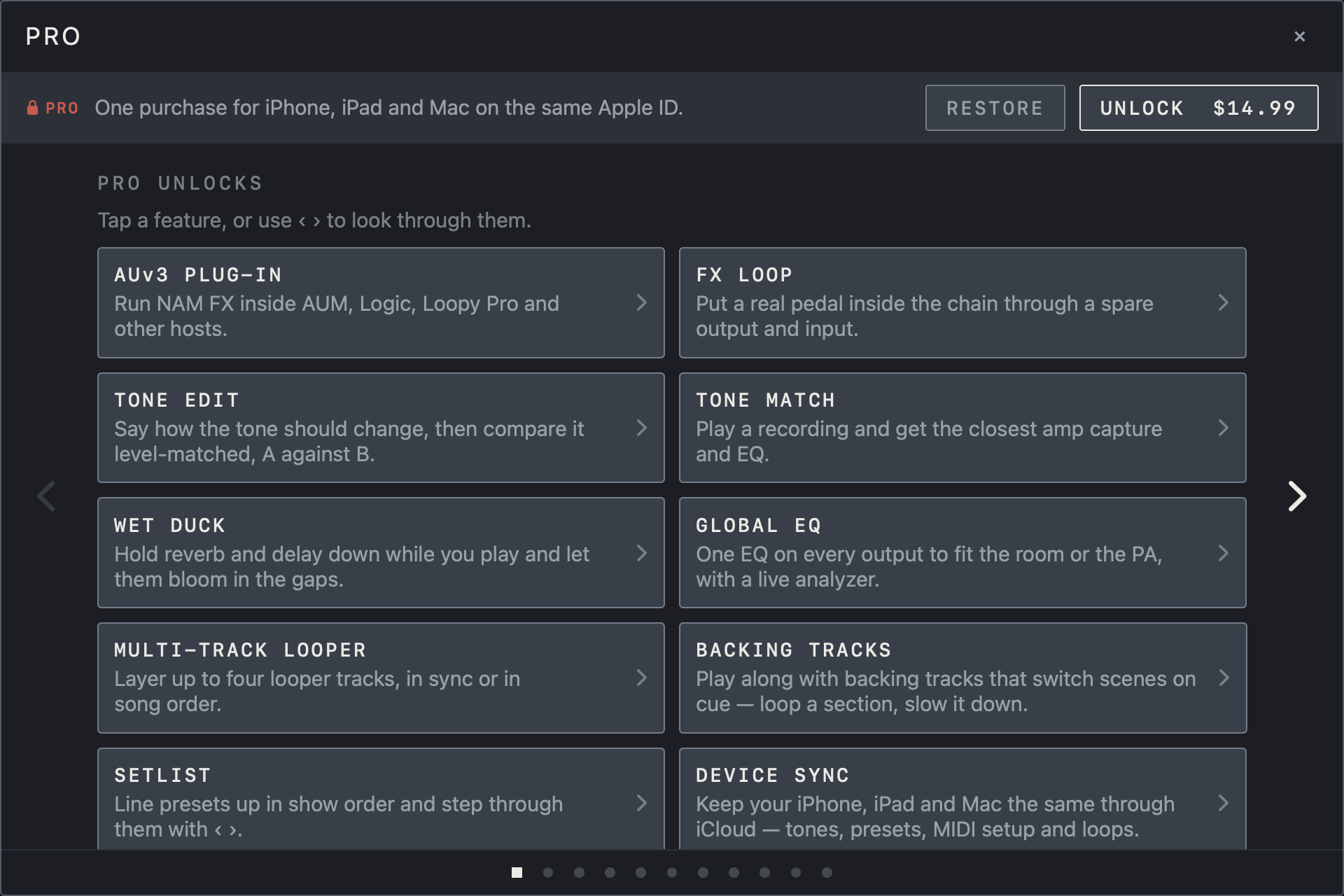
Find it on screen
- The strip at the top of the Pro window keeps a one-line description with the RESTORE and UNLOCK buttons.
- Tap a feature in the PRO UNLOCKS list, or use ‹ › at the sides, to read about each feature.
- The dots at the bottom show which page you are on.
If you updated from 1.x
Everything NAM FX 1.x could do still works in 2.0 without a purchase: effects and routing, presets and scenes, MIDI, the metronome and tuner, looper track 1 and the TONE3000 connection. Your presets, tones and saved loops stay in place after the update.
Note Pro applies only to the features added in 2.0, and those need the purchase even if you used an earlier version.